How it works
From your sound desk to every phone in the room.
SIM.AI takes the same clean audio feed your AV crew would send to a recorder, interprets it live into up to 12 languages, and streams audio and captions to your guests’ own phones. We run it, watch it, and hand you the full record afterwards.
The signal path
Five links in the chain. You already own the first two.
- Stage microphones Speakers use the microphones they already have. Nothing changes on stage.
- Venue sound desk Your AV crew sends us one clean feed from the desk, as they would for a recording.
- SIM.AI position A laptop and an audio interface on one small table at the side of the room.
- Live interpretation Speech recognition, translation and voices, using your glossary. Watched live by our team.
- Guests’ phones Up to 12 language channels, as audio and captions, a few seconds behind the speaker.
Before, during, after
What happens, and when.
A typical engagement, from the first call to the files in your inbox. The earlier we hear from you, the more we can prepare.
-
When you book
Plan the languages and the room
- Tell us the date, the venue, the programme and the languages your guests speak.
- We recommend AI, human or a mix for each session, and say plainly where a human interpreter is the better choice.
- We agree privacy settings: a private PIN, how long recordings are kept, and EU or UAE processing.
-
Before the event
Prepare the words and the cards
- You send names, titles, acronyms and key terms. Our linguists build your glossary; Precision mode sessions get a review step.
- We design your QR table cards, badge artwork and a slide for the screens, with your branding on the guest page.
- We speak to the venue AV team about the feed from the desk, our table position, power and internet.
-
On the day
Connect, test, open the doors
- Our technician sets up at one discreet position at the side of the room and connects to the desk in minutes.
- We test every language channel with your AV crew before doors open.
- During the session every channel is monitored live. A late language request is a setting, even mid-session.
-
Afterwards
Receive the full record
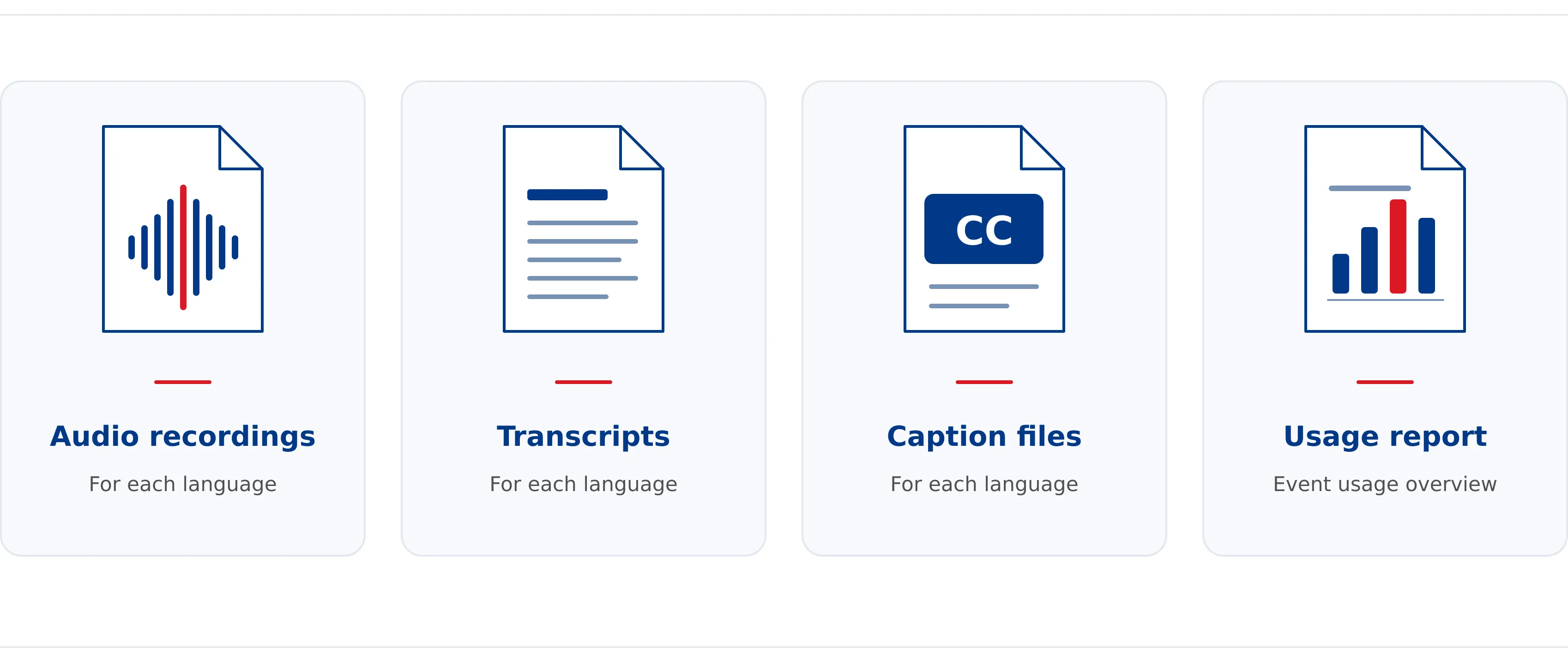
- Audio of every language channel, transcripts per language (.docx and .xlsx) and standard subtitle files.
- A usage report: languages used, session duration and listeners per language.
- Everything is kept only as long as you want it, and deleted on request.
Equipment
What we bring, and what we ask of the venue.
Both approaches to interpretation start from the audio feed the venue already provides. After that point, ours fits on one small table.
We bring
- A laptop running the SIM.AI console
- An audio interface, with XLR and USB cables
- Print-ready QR table cards, badge artwork and a screen slide
- A technician who stays for the whole session
The venue provides
- One clean line-level feed from the sound desk (XLR)
- A small table and power near the desk or at the side of the room
- Reliable internet for our position, wired if possible
- Venue Wi-Fi or good mobile coverage for guests
Monitored live
Every channel, watched by a person.
Our operator console shows the incoming feed, each language channel, the live transcript and the translation side by side. If a channel drifts, a term is missed or the feed drops, we see it before your guests do.
The event toolkit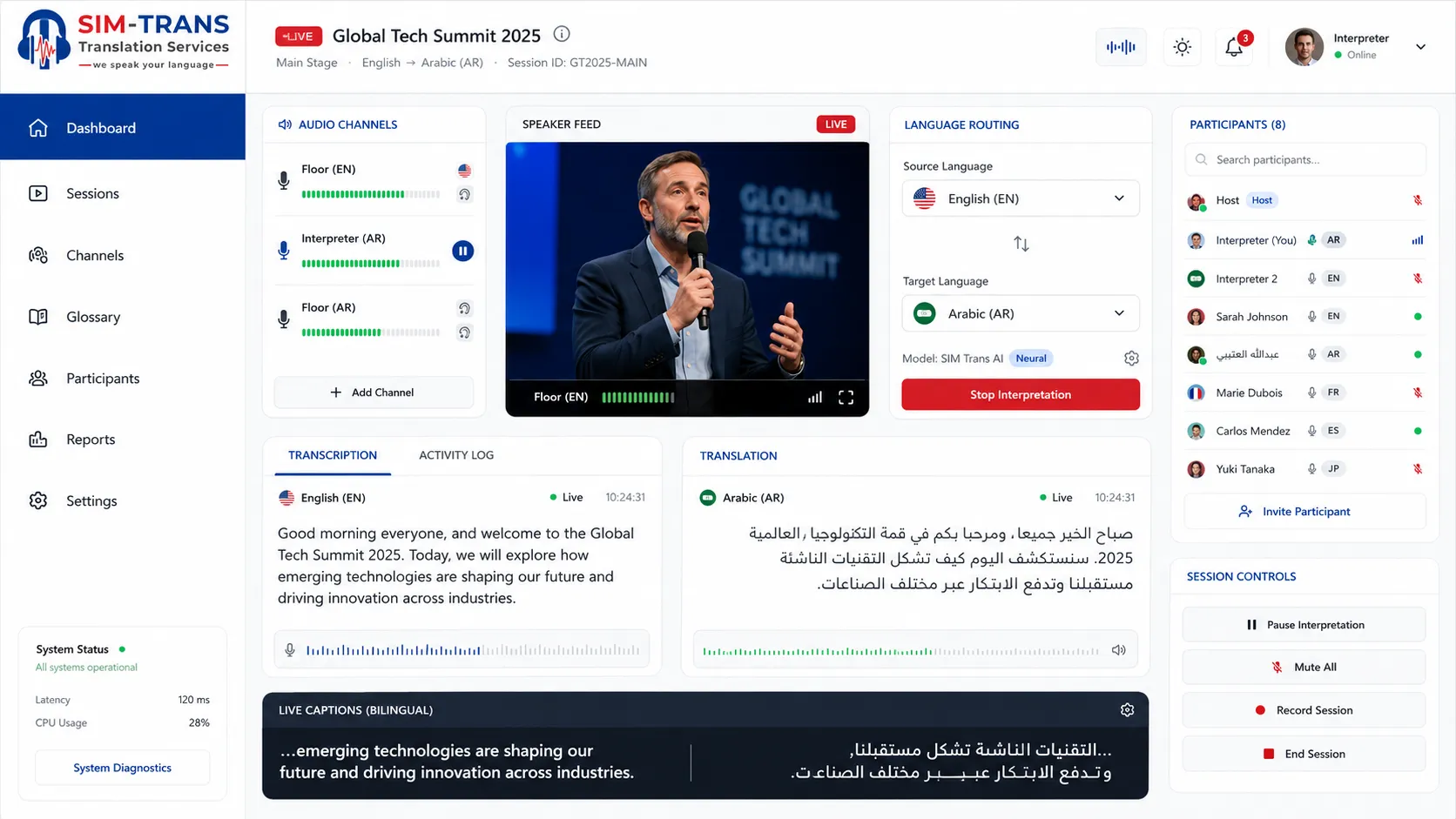
The guest view
A page, not an app.
The QR code opens a branded event page in the phone’s browser. Every language is listed in its own script. Guests choose audio, captions or both, and can tap “Show original” to see the speaker’s own words.
- Works on any recent smartphone browser.
- Private sessions ask for a PIN, printed on the badge or sent with the invitation.
- Guests can switch language at any time.
-
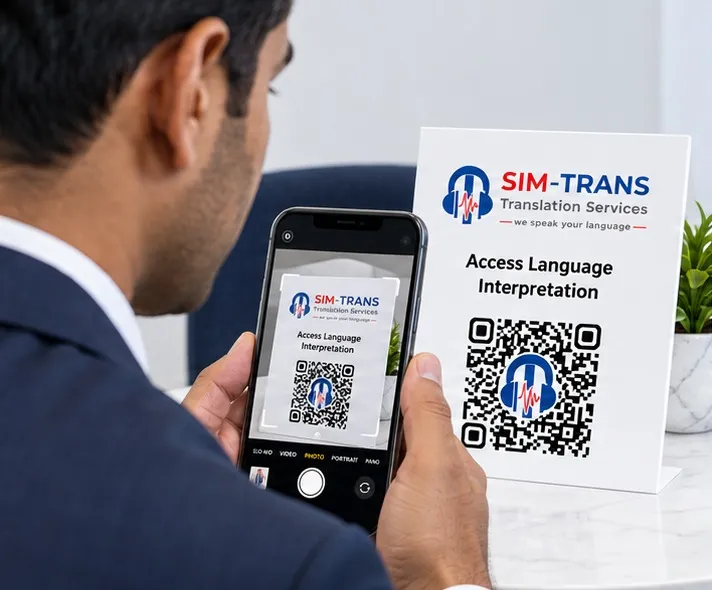
Step 1: Scan
A QR code on the table card, the badge or the screen. One scan opens the page. No app, no account, no sign-up.
-
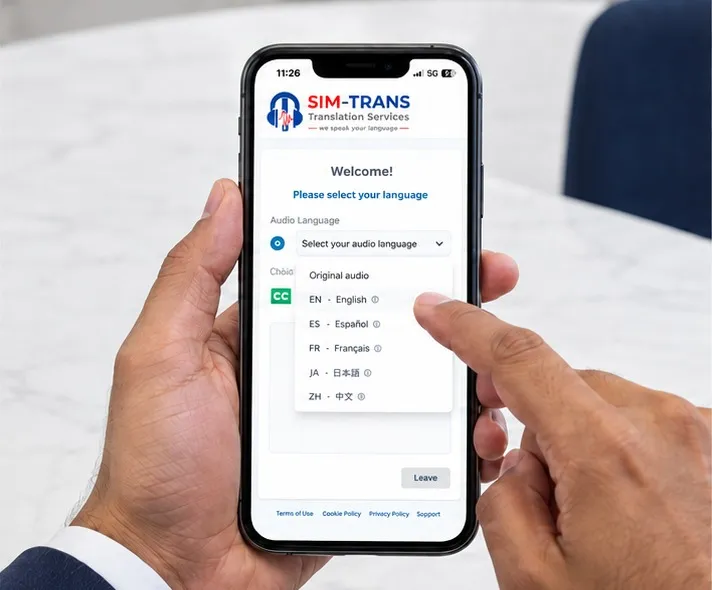
Step 2: Choose
Every available language, listed in its own script. One tap and they are connected.
-
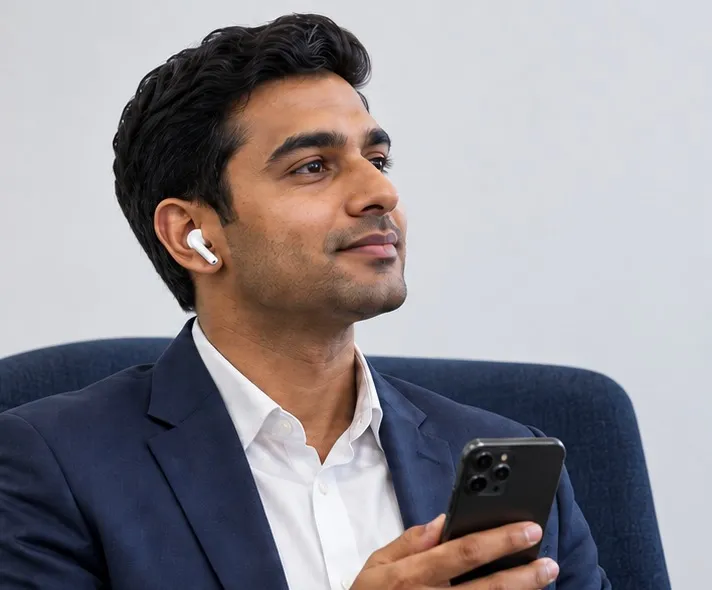
Step 3: Listen
Live interpretation through their own earbuds, with captions on screen to read along.
Afterwards
Every session leaves a complete multilingual record.
Included as standard. Kept only as long as you want it, deleted on request.
- For your archive
- Audio of every language channel.
- For your minutes
- Written transcripts per language, ready to edit and circulate.
- For your video
- Standard subtitle files, so your event footage ships multilingual.
- For your report
- Languages used, session duration and how many guests listened in each.
Technical questions
What audio do you need from the venue?
One clean line-level feed from the venue sound desk, usually from an auxiliary or matrix output, delivered on XLR. It should carry every microphone on stage and nothing else: no walk-in music, no room ambience. Your AV crew sets it up the same way they would for a recording.
Does it need internet?
Yes. Our position needs a reliable connection, ideally wired. Guests use the venue Wi-Fi or their mobile data. We check both with the venue in advance and agree a fallback for sessions that cannot be interrupted.
Can we use it for several rooms at once?
Yes. Each room with its own audio feed runs as its own session with its own QR code, so breakouts can run in different languages at the same time.
Who operates it during the event?
We do. A Sim Trans technician runs the system and our team watches every language channel throughout. You and your AV crew never need to touch it.
Can a speaker present in a language other than the programme language?
Yes. When a speaker switches language, the system follows automatically, so a two-way Arabic–English panel needs no extra set-up.
Ready to plan? Read how to plan a multilingual event in the UAE, compare SIM.AI with traditional booths, or see the 81 languages.